
Kobo Wont Connect to Wi-Fi? 8 Fixes That Actually Work
Kobo not connecting to Wi-Fi or dropping connection? Step-by-step troubleshooting for all Kobo models — Clara, Libra, Sage, Elipsa, and more.
Tag
Kobo not connecting to Wi-Fi or dropping connection? Step-by-step troubleshooting for all Kobo models — Clara, Libra, Sage, Elipsa, and more.

Kindle stuck on the battery screen or not charging? Step-by-step fixes for charging port issues, cable problems, and battery drains on all Kindle models.

Kindle frozen on the screensaver, not responding to touch, or stuck on a page? Here is exactly what to do, from a simple restart to deeper fixes that work.
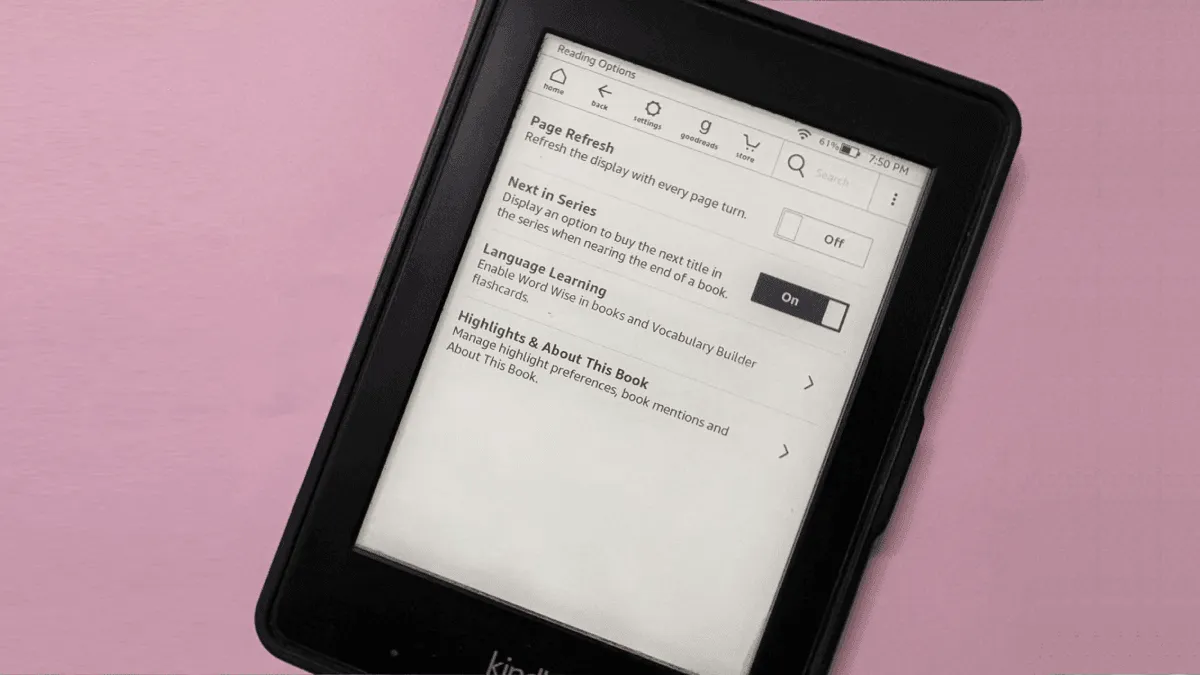
Boox e-reader showing ghost images from previous pages? Learn why E Ink ghosting happens on Boox devices and how to minimize it with the right refresh settings.
Kobo battery life dropping from weeks to hours? Diagnose what is draining a Kobo and fix it — covers Clara, Libra, Sage, Elipsa, and older models.
Kindle not syncing books, highlights, or reading progress? Step-by-step troubleshooting guide covering Wi-Fi, Amazon account, and device settings.

If a Kobo shows a database corruption error or empty library after safely ejecting from a computer, here's how to repair the database without losing books or reading progress.
Sync failures can make you want to throw an e-reader across the room. This diagnostic guide walks through common sync problems on Kindle and Kobo and how t.
Kindle has hidden cheat codes built right into the search bar. Type ;dm, ;urst, ;shpm, and ~ds to debug a stuck indexer, check storage, or restart the UI i.

If a Kindle's lockscreen shows generic art instead of the current book cover, here are the fixes for ad-supported devices, sideloaded books, and sync issues.

Step-by-step guide to fixing Kindle ebook covers that show as blank or generic thumbnails using the free Fix Kindle Ebook Cover tool.
E Ink ghosting is when faint traces of previous pages remain visible. Learn why it happens, how to minimize it with settings, and how to clear it on Kindle.
Step-by-step fixes for Kindle, Kobo, Boox, and PocketBook Wi-Fi problems. 2.4GHz vs 5GHz, router settings, firmware issues, and when to factory reset.
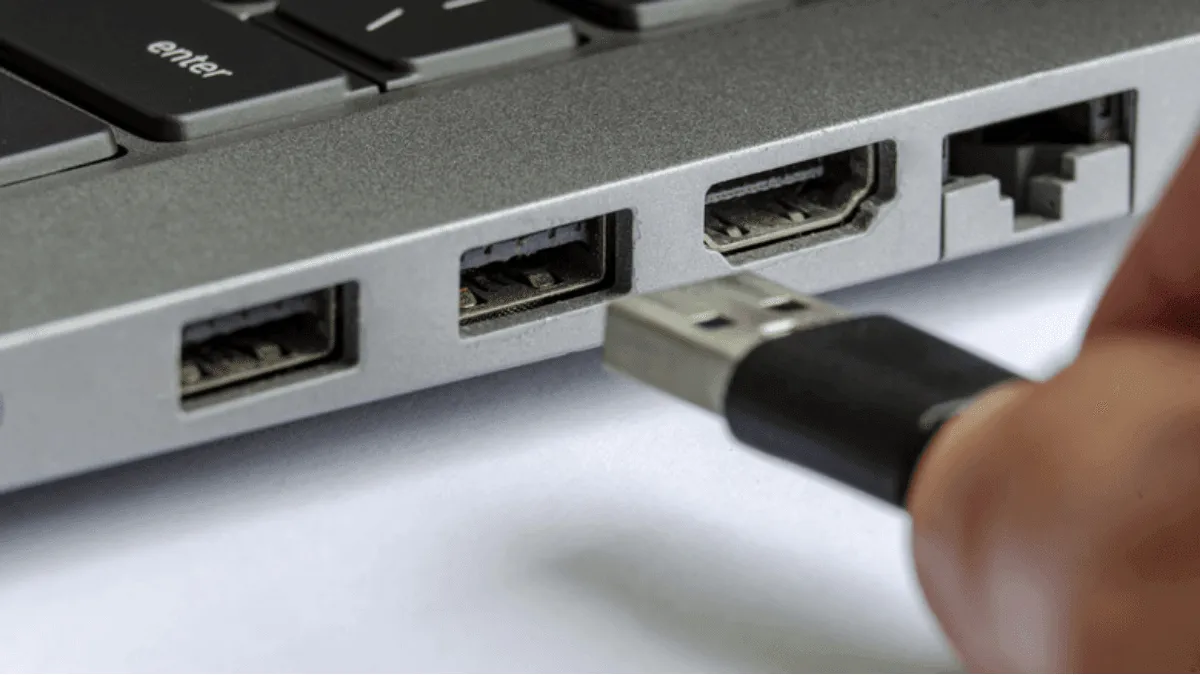
When a computer won't recognize an e-reader over USB, try these fixes — from cable issues to driver problems to device-specific solutions for Kindle, Kobo, and Boox.
Quick fixes for the most common e-reader problems — frozen screens, battery issues, sync failures, and more.
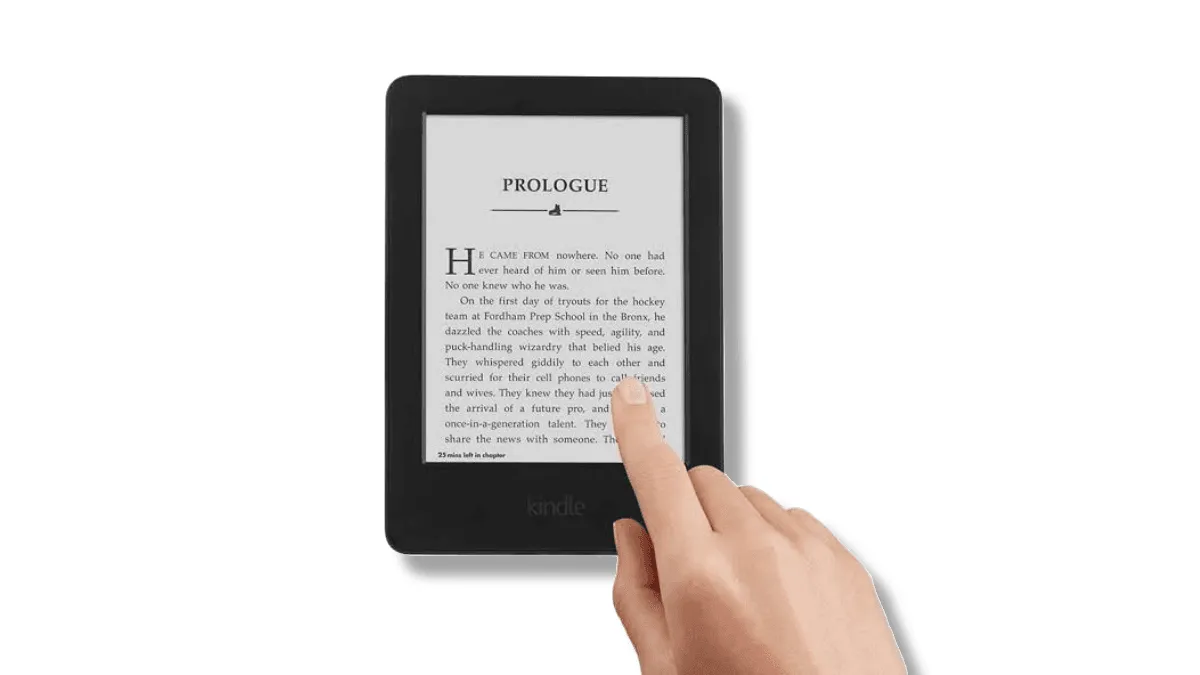
Is an e-reader touchscreen not registering taps accurately, missing touches, or registering phantom input?

If an e-reader became sluggish after sideloading a batch of books, it's likely stuck indexing corrupted files. Here's how to identify and fix indexing issues.

Is an e-reader screen showing a yellow tint, uneven backlight, or warmer tones on one edge? Here's how to diagnose and fix common frontlight issues on Kindle, Kobo, and Boox.
Is an e-reader frozen on a screen or not responding to touch? This guide covers hard resets, recovery modes, and when it's a hardware problem — for Kindle, Kobo, Boox, reMarkable, and PocketBook.
Is an e-reader battery draining too fast or showing wrong percentages? Learn battery calibration and background drain fixes for Kindle and Kobo.