
 Inksky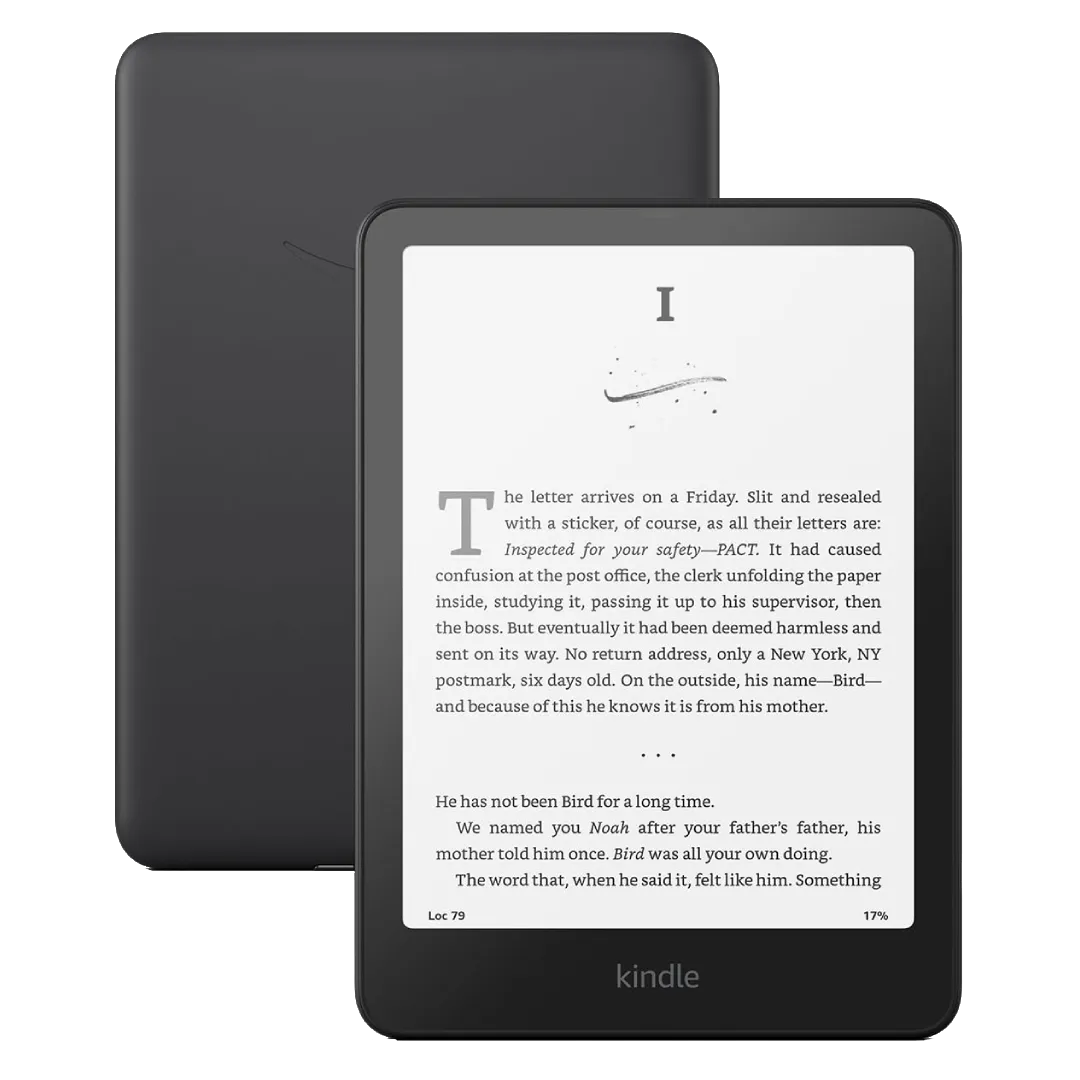
I’ve been asked “which e-reader should I buy?” enough times that I’ve stopped answering with specs and started asking questions instead. The right device depends entirely on where your books come from. Here’s the framework.
Do you buy your books from Amazon?
Get a Kindle. Specifically, a Kindle Paperwhite.
Yes, I know the ecosystem lock-in argument. None of it matters if 90% of your library is already in your Amazon account and you want the easiest possible experience. The Kindle store has the largest selection — roughly 6 million titles compared to Kobo’s 5 million — and consistently the best prices for mainstream titles, especially if you track daily deals. Whispersync keeps your place across devices effortlessly.
The Paperwhite (12th gen) is the sweet spot: 6.8-inch E Ink Carta 1300, 300 ppi, warm light, USB-C, waterproof (IPX8), $159. The basic Kindle at $109 is a 6-inch 300 ppi screen without warm light or waterproofing — fine if you’re budget-constrained, but the warm light and larger screen are worth the extra $50. At the premium end, the Kindle Colorsoft ($279) adds a color E Ink layer and auto-adjusting light, but color E Ink is still washed-out compared to an LCD; don’t buy it for comics alone.
Price summary — Kindle line:
- Entry: Kindle Basic (6”, 16GB) — $109
- Mid-range: Kindle Paperwhite (6.8”, 16GB) — $159
- Premium: Kindle Scribe (10.2”, 16GB, stylus) — $339
Do you borrow library books outside the US?
Get a Kobo.
OverDrive/Libby is built directly into the device. Browse your library’s catalog on the Kobo, tap borrow, and the book appears. It works in 20+ countries. Kindle’s Libby integration is US-only and requires the extra step of “Send to Kindle” from the Libby app. If you live in Canada, the UK, Australia, or anywhere else, Kobo makes library borrowing frictionless.
Kobo supports EPUB natively — drag and drop via USB, no conversion needed. The Kobo Store has roughly 5 million titles, competitive with Amazon for mainstream books though slightly weaker on indie and self-published authors. Kobo Plus, their subscription service ($7.99/month), gives you unlimited access to a rotating catalog — think Kindle Unlimited with fewer exclusives but no lock-in.
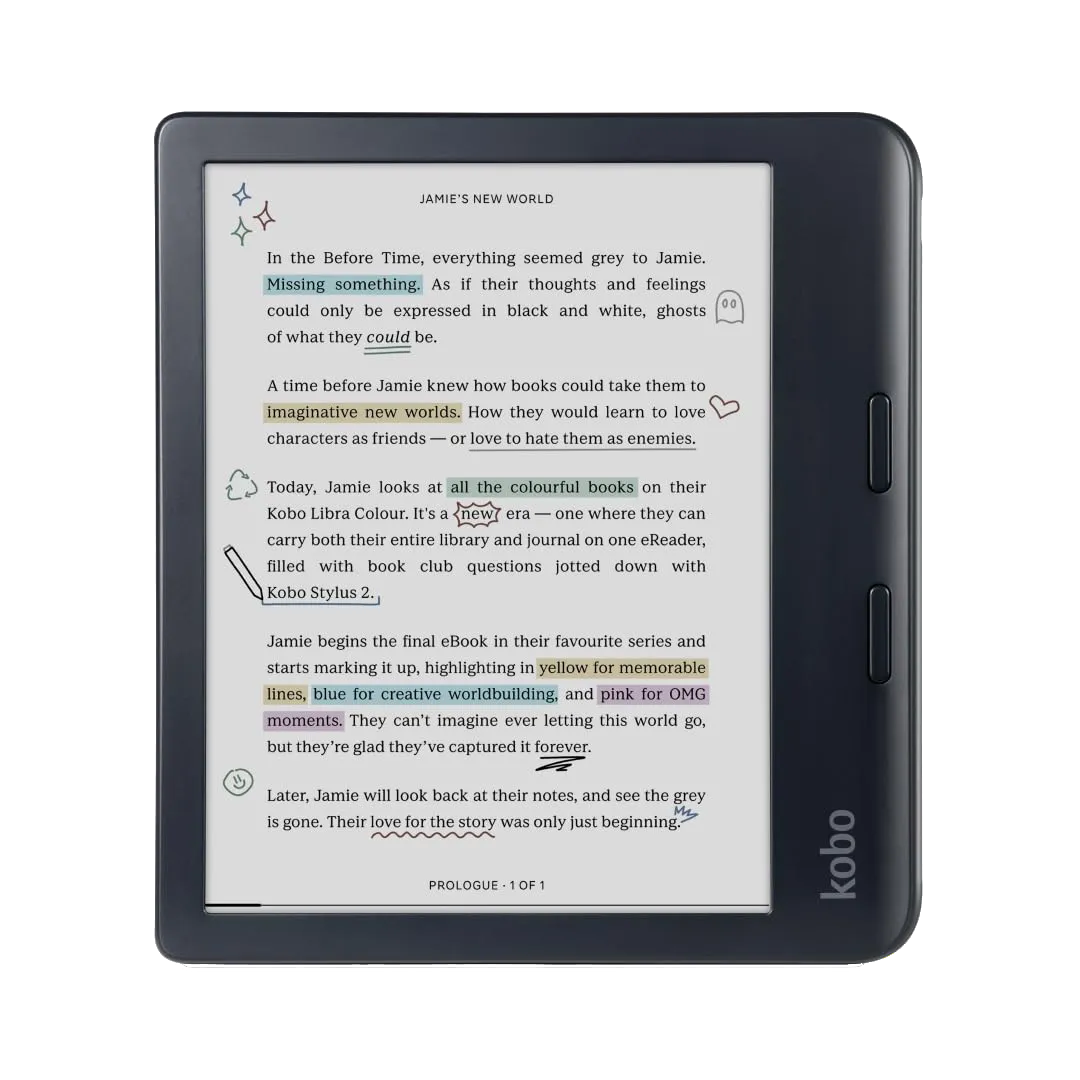
The Kobo Clara BW ($139) is the direct Paperwhite competitor: 6-inch E Ink Carta 1300, 300 ppi, warm light, waterproof, USB-C. The Kobo Libra Colour ($219) is where it gets interesting: a 7-inch Kaleido 3 color screen at 300 ppi (black and white) / 150 ppi (color), physical page-turn buttons, and Dropbox support for wireless sideloading. The buttons alone make it worth the premium for one-handed readers. At the top, the Kobo Elipsa 2E ($399) is a 10.3-inch note-taking device with a stylus.
Price summary — Kobo line:
- Entry: Kobo Clara BW (6”, 16GB) — $139
- Mid-range: Kobo Libra Colour (7”, 32GB, buttons) — $219
- Premium: Kobo Elipsa 2E (10.3”, 32GB, stylus) — $399
Do you need Android apps or note-taking?
Get a Boox.
Boox devices run full Android with Google Play. Install the Kindle app, Kobo app, Libby, KOReader — all on one device. You’re not choosing an ecosystem; you’re running them all. This is genuinely liberating if your books are spread across stores. You effectively get access to all three major stores (Kindle ~6M, Kobo ~5M, Google Play Books ~5M) simultaneously, plus any reading app on the Play Store.
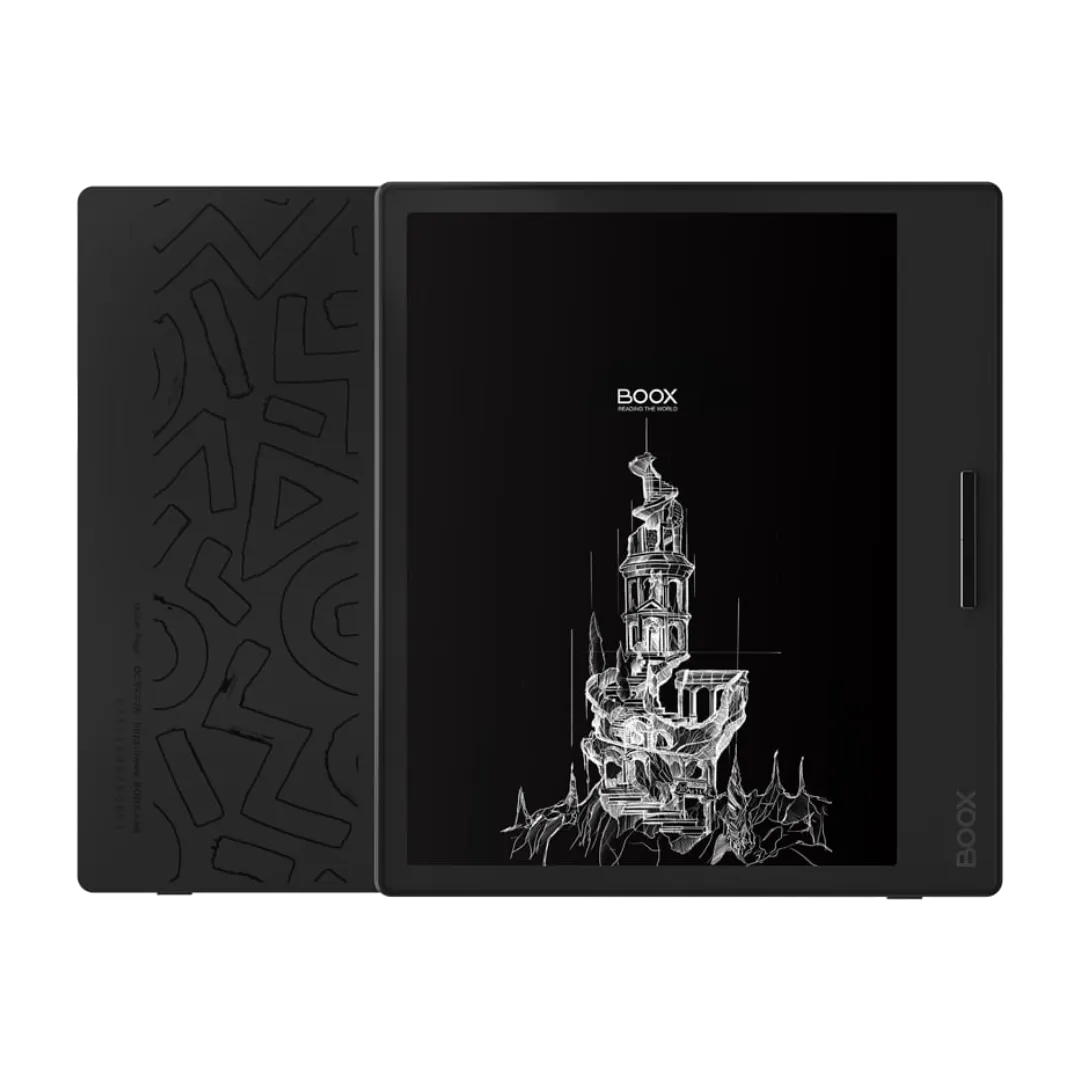
The Boox Page ($229) is the entry point for pure readers: a 7-inch E Ink Carta 1200, 300 ppi, with physical page-turn buttons and a microSD slot for storage expansion — something neither Kindle nor Kobo offers. The Boox Palma 2 Pro ($279) is an unusual phone-shaped 6.13-inch device that fits in a pocket. At the premium end, the Boox Tab Go 10.3 ($449) combines a 10.3-inch 300 ppi screen with Wacom stylus support for note-taking.
The trade-off is complexity. Boox devices are Android tablets with E Ink screens. Battery life is measured in days, not weeks (expect 2–3 days of heavy use versus 4–6 weeks on a Kindle). The interface is less polished, and you’ll spend time tweaking refresh modes per app to balance ghosting against smoothness. If you enjoy tinkering, it’s a non-issue; if you want an appliance, it’s a dealbreaker.
Price summary — Boox line:
- Entry: Boox Page (7”, 64GB + microSD, buttons) — $229
- Pocket: Boox Palma 2 Pro (6.13”, 128GB) — $279
- Premium: Boox Tab Go 10.3 (10.3”, 128GB, stylus) — $449
The honest bottom line
Most people should buy a Kindle Paperwhite — easiest setup, biggest store, lowest friction. If you’re outside the US and library books are your main reading source, the Kobo Clara BW or Libra Colour is the better pick. If you need multiple store apps or want an E Ink tablet for notes, Boox does it all — just expect shorter battery and a steeper learning curve.
All three make good hardware. The question isn’t which is better — it’s which fits how you actually get your books.